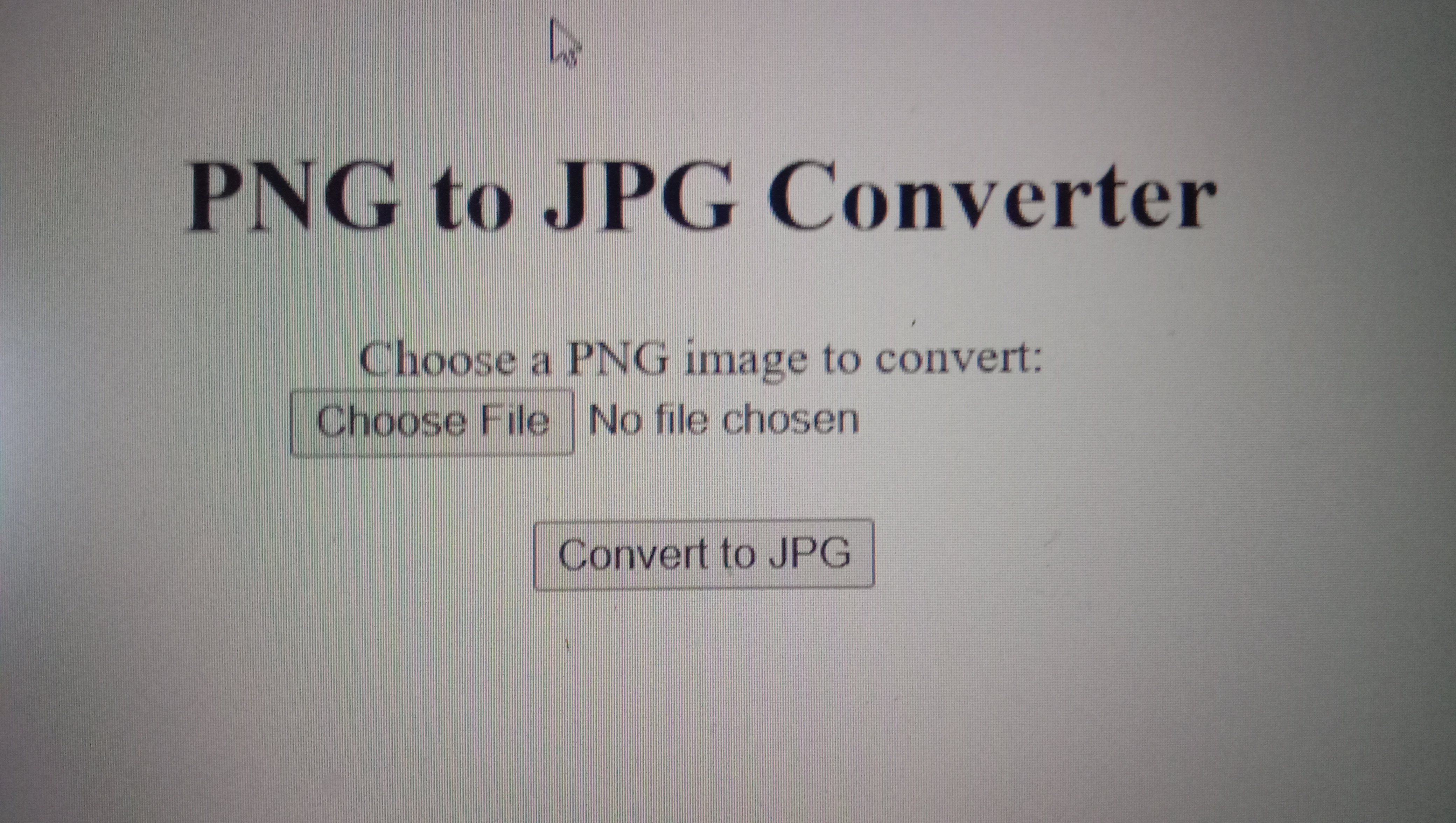
This code creates a simple web page with a file input, two images, and a button. When a PNG image is selected with the file input, it is displayed in the first image element as a preview. When the button is clicked, the image is converted to a JPG format and displayed in the second image element.The JavaScript code listens for changes on the file input and checks that the selected file is a PNG image. It then reads the file data as a URL and displays it in the preview image element. When the button is clicked, the code creates a canvas element and draws the preview image on it. It then converts the canvas to a Blob object containing the JPG image data and creates a URL to display it in the result image element.